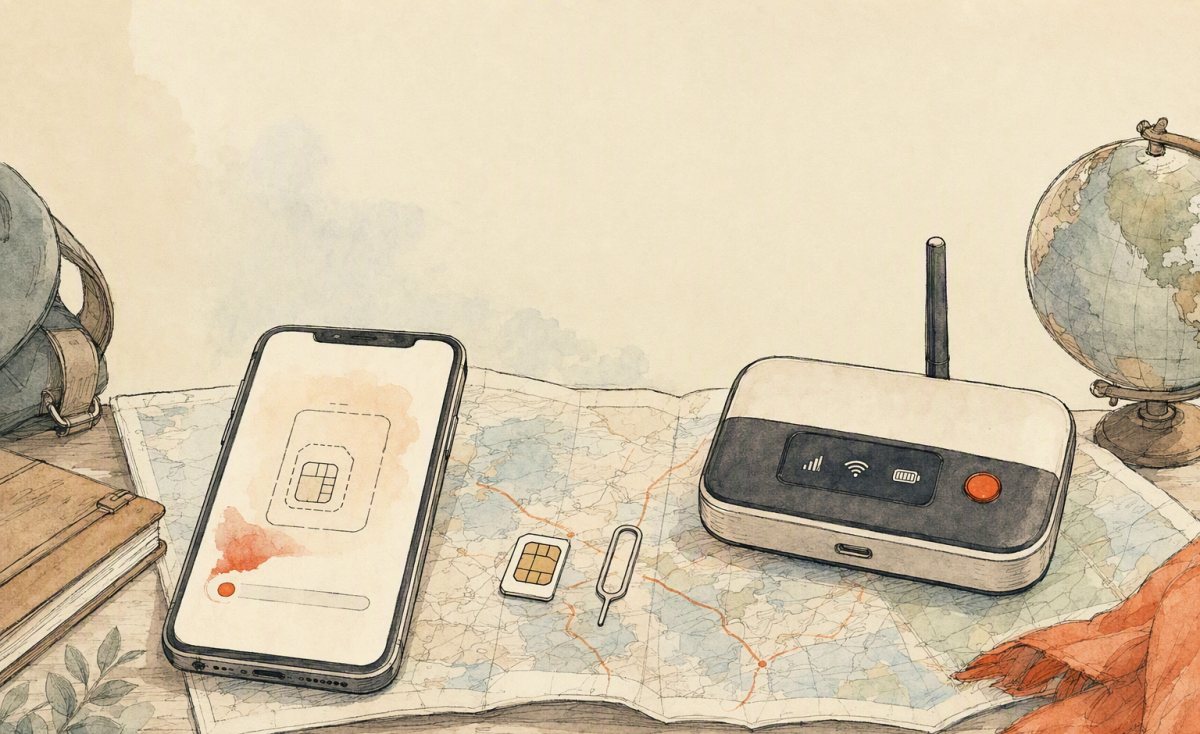
There are three ways to get online in China as a visitor: install an eSIM before you fly, buy a registered physical SIM at a carrier store, or carry a pocket Wi-Fi hotspot. Each is the right answer for a different traveller. This comparison gives you the honest trade-offs — including the paperwork most first-timers do not expect.
The three options in 30 seconds
| Option | Best for | Main weakness | Typical cost feel |
|---|---|---|---|
| 여행 eSIM (data) | Most visitors, 3–30 day trips | No local voice number | Low; from under $1/day tiers to ~$95 for heavy monthly data |
| Physical carrier SIM | Travellers who need a Chinese number | Passport registration in person | Low–moderate, plus your time |
| Pocket Wi-Fi hotspot | Families, groups, laptop users | Another device to charge and carry | Per-day rental; adds up on long trips |
Option 1: the travel eSIM
An eSIM is a downloadable carrier profile. You buy a data plan online, receive a QR code by email, install it in three minutes on home Wi-Fi, and connect the moment you land. Your home SIM stays in the phone, so bank codes and calls from home keep working.
Why most people should stop here:
- No queue, no forms, no English-signage treasure hunt at the airport.
- Data-only plans for tourist use avoid the in-store passport registration that domestic SIMs require.
- Plans can cover mainland China, Hong Kong and Macau together — useful on any trip that touches Shenzhen or a Hong Kong flight connection.
- Nothing physical to lose, and you can top up before you run out.
Where it falls short: you do not get a local number. Hotels and drivers increasingly reach you on WeChat, so this rarely hurts — but if you plan to register for local services that demand a Chinese mobile number, or you prefer phoning places directly, plan around it.
Option 2: a physical SIM from a Chinese carrier
China Unicom, China Mobile and China Telecom all sell visitor packages, and airport counters are common in major gateways. The defining feature is real-name registration: Chinese law requires identity registration for SIMs, so you will present your passport, complete paperwork, and sometimes have a photo taken. Budget 20–40 minutes in a queue after a long-haul flight, and expect smoother service at large-city flagship stores than at small neighbourhood shops.
Choose this if you want a genuine local number for calls and SMS, plan to stay a month or longer, or need to register for apps that verify a domestic number.
Avoid it if your itinerary is short, you arrive late at night, or you would rather spend airport time getting to your hotel.
Option 3: pocket Wi-Fi
A rented hotspot is a small device that connects to the local network and shares it with several phones and laptops at once.
Choose this if you travel as a family or a group of four and everyone needs data, or if you must run a laptop for work all day. One device, many connections, no changes to anyone’s phone settings.
Consider the downsides: it is one more thing to charge, carry, keep cool and return; battery life collapses when several devices stream video; and pickup/return logistics at the airport eat time. For solo and couple travel, an eSIM is almost always cheaper and lighter.
Cost math: three realistic scenarios
Solo traveller, 7 days, city-heavy
A fixed-total data eSIM (for example 5 GB over 5 days, topped up if needed) costs less than a single museum ticket in Shanghai. Physical SIM saves nothing here and costs you an hour of registration. Pocket Wi-Fi is overkill.
Couple, 12 days, mainland + Hong Kong
Two daily-allowance eSIMs covering the region beat a shared hotspot on flexibility — you split up during the day without losing connection. Roughly $38 per person is a reasonable published tier for 3 GB a day across 12 days.
Family of four, 10 days, one laptop
One hotspot plus one eSIM for the parent who wanders off is a pragmatic hybrid. If the laptop stays in the hotel, four eSIMs are simpler and usually cheaper.
What about speed and coverage?
All three options ride the same underlying networks — so city speeds are excellent either way, and the same dead zones apply. Expect strong 5G/4G in megacities and along high-speed rail corridors; expect thin signal in mountain parks (Zhangjiajie, Jiuzhaigou, Yunnan’s Stone Forest) and on plateau routes. A hotspot has one advantage in weak-signal areas: its larger antenna can hold a connection slightly better than a phone in a pocket.
Remember that in China the constraint is rarely the network — it is which services are available. Download offline maps, cache your translation packs, and set up the apps you intend to use before you fly.
Decision guide
- Trip under 30 days, phone-first traveller: eSIM. Buy today, install tonight, land connected.
- You need a Chinese number for apps or work: physical SIM at a flagship store, or keep the eSIM for data and use WeChat for contact.
- Group or heavy laptop use: pocket Wi-Fi, ideally paired with one eSIM so nobody is stranded when the group splits up.
- Older or locked phone: check eSIM support first; if it fails, a physical SIM or hotspot is your route.
If you have decided on an eSIM, current mainland and Greater China data tiers are listed on our travel eSIM page. Pair it with the interactive map planner to see the real distances between your stops before you commit to an itinerary — knowing that two “nearby” cities are 400 km apart is the cheapest mistake to avoid.
Frequently asked questions
Which is cheaper overall, eSIM or a local SIM?
Per gigabyte, local carrier plans can look cheaper — but add the airport counter time and the passport registration, and a travel eSIM usually wins for short trips.
Can I keep my home number active at the same time?
Yes. Use dual-SIM: home line for calls and SMS, China eSIM set as the data line with data roaming on.
Is pocket Wi-Fi faster?
No — same networks. It just shares one connection across many devices.
Do I need a Chinese SIM for Didi or Meituan?
Registration can require a local number; many visitors use WeChat’s mini-program ride services instead, which work fine on a data-only connection.
What about your home carrier’s roaming pass?
Many travellers assume a daily roaming pass from their home carrier is the easy option. It is genuinely easy — and usually the most expensive way to get online in China. Daily passes commonly cost more than an entire two-week travel eSIM allowance, and they often throttle speeds or cap tethering. The one thing a home pass does better is keeping your existing number fully native for calls and SMS, so if you must take business calls on your regular number, a hybrid works: home pass off, eSIM for data, calls routed through WeChat or FaceTime Audio.
Setup differences worth knowing by device
- iPhone: you can store several profiles but only one line can be the data line at a time. Label lines clearly and set your home SIM as the voice/SMS default so bank codes keep arriving.
- Recent US-model iPhones: these are eSIM-only, which is an advantage here — you can add a China profile without removing anything.
- Android dual-SIM: menu wording varies heavily by maker. Search settings for “eSIM” rather than hunting through Network menus, and check whether your model supports two active SIMs plus an eSIM simultaneously.
- Older or locked handsets: if eSIM is unavailable or the phone is carrier-locked, a physical SIM or hotspot is the fallback — decide before you fly, not at the gate.
The security argument nobody mentions
Your own cellular data connection is more private than any public network. On an eSIM or local SIM, your traffic goes through the carrier rather than an unauthenticated café hotspot where anyone can watch the traffic. That matters more than most travellers think, because a China trip involves logging into payment apps. If you must use public Wi-Fi, keep it to browsing and avoid entering card details; do anything sensitive on mobile data instead.
A quick decision flow
- Do you need a Chinese voice number for work or local registrations? Yes → physical SIM. No → continue.
- Will more than two devices, or a laptop, need internet all day? Yes → pocket Wi-Fi, ideally plus one eSIM. No → continue.
- Is your phone unlocked and eSIM-capable? Yes → travel eSIM. No → physical SIM or hotspot.
That flow sends the large majority of visitors to the eSIM option, which is why it has become the default recommendation rather than the exotic one.