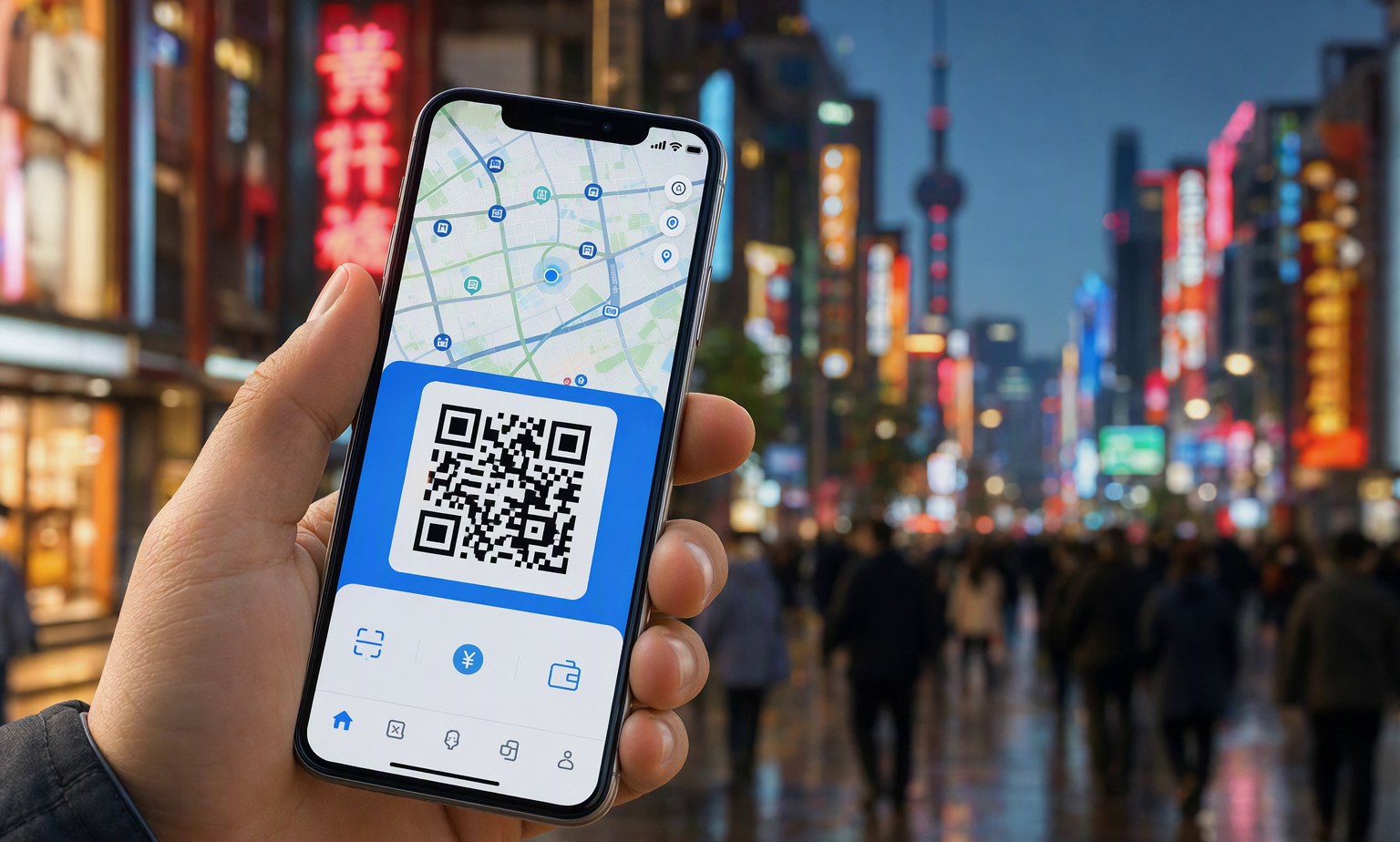
Yes — as a visitor you can now use both Alipay and WeChat Pay in China without a Chinese bank account. The process is: download the app, register with your foreign phone number, complete a one-time passport identity check, and link an international Visa or Mastercard. Once set up, you scan the same QR codes locals use at restaurants, metro stations, corner shops, and street stalls. This guide walks you through setup for alipay for foreigners and WeChat Pay step by step, explains fees and typical limits, and shows which wallet to reach for so you never get stuck mid-trip.
Why Payment Is the First Thing to Sort Out on Any China Trip
China runs overwhelmingly on mobile QR payments. Many places that accept a phone do not keep a card terminal, and some do not reliably hold change for cash. Getting your wallet working before you land removes the single biggest friction point of China travel — more than language or maps. Pair your payment setup with reliable connectivity, because both apps need data to load a code: our China eSIM guide shows how to be online the moment you switch on your phone, and the travel eSIM page has ready-to-go plans.
What Changed for Visitors in Recent Years
A few years ago, foreigners needed a mainland bank account and a local number to use these apps, which locked out most travelers. That has changed. Both platforms now support linking international cards directly, and the identity check can be done with a passport photo and a face scan. The apps also added English interfaces and visitor-friendly modes. Rules and supported card types still evolve, so treat the in-app prompts as the source of truth, and confirm anything about cross-border settlement against your card issuer and the official app rather than a blog post.
Alipay vs WeChat Pay for Foreigners: Key Differences
You do not have to choose one — most travelers install both — but they behave differently. Alipay is a standalone payment app with a polished English mode and is often the smoother first setup for visitors. WeChat Pay lives inside the WeChat messaging app, so you need WeChat installed first, and it can be handy if friends or a guide already reach you there.
| Factor | Alipay | WeChat Pay |
|---|---|---|
| Where it lives | Standalone app | Inside the WeChat app |
| English interface | Full English mode | Partial; menus vary by version |
| Link foreign card | Yes, in a few taps | Yes, after activating Wallet |
| Typical first-use friction | Low | Medium (needs WeChat account first) |
| Best for | Standalone shopping, transit, hotels | Splitting bills, small-business transfers |
| Mini-programs | Transit codes, ticketing | Restaurant ordering, bookings |
What You Need Before You Start
Have four things ready: your passport (for the identity photo), a foreign mobile number that can receive an SMS code, an international Visa or Mastercard that allows overseas transactions, and a stable data connection. A phone that is not carrier-locked helps, which is why we cover unlocked devices and data plans in our guide to how to plan a trip to China. Enable international transactions on your card in its own app first; a declined card is usually a bank-side block, not an Alipay problem.
How to Set Up Alipay as a Foreigner, Step by Step
Download Alipay and register with your foreign number. Switch the language to English from the settings or the login screen. When prompted, verify your identity by photographing your passport’s data page and completing the face scan. Then go to the card or bank section and add your international card details. Follow the prompts to accept the small verification charge, and confirm the card by entering the tiny amount or code the app requests. Keep the app updated — the visitor flow changes, and the current on-screen steps always win over any third-party walkthrough.
How to Set Up WeChat Pay Step by Step
Install WeChat and create an account; some new accounts need a quick verification from an existing user or a phone confirmation before advanced features unlock. Open the Me tab, then Services or Wallet, and tap to add a bank card. Enter your international card, complete the SMS verification from your bank, and set a six-digit payment PIN. Identity verification asks for the same passport and face check as Alipay. WeChat Pay tends to prompt for extra verification on first use, so set it up at the hotel with good Wi-Fi rather than at a busy counter.
Understanding Fees and Typical Limits
Both wallets usually let you make everyday purchases without a separate fee when the amount is below a per-transaction threshold, and a service fee (a percentage of the payment) may apply on larger single transactions. Your card issuer may also add a foreign-transaction fee or a currency-conversion margin. Exact thresholds and percentages change and can differ by card network, so check the current figure shown in the app and on your card statement — treat any number you read online as a typical range and confirm at the time of payment. Single and monthly transaction ceilings also exist and depend on how much identity verification you have completed, so finish the full passport check to raise them. The cost comparison of eSIM versus roaming explains the same “confirm live rates” idea for your data.
Where Each Wallet Actually Works
Scan-to-pay QR codes are everywhere: convenience stores, cafés, museums, metro entry, taxis, and night-market stalls. Larger hotels and some shops also show a code for you to scan from the app. Ride-hailing inside Alipay and mini-program restaurant ordering inside WeChat both draw from the same linked card. When a merchant shows a plain printed QR, you scan it from whichever wallet you opened. As a courtesy, tell the driver or server “Ali-pay or WeChat” and hold up your screen; the two blue-green codes are recognized nationwide.
Backups So a Glitch Never Ruins Your Day
Apps occasionally stall on weak signal, a card can expire mid-trip, or verification can lag. Carry a backup: a small amount of Chinese yuan cash, a second payment card, and a friend or guide who can cover a purchase and be repaid later. Our China travel tips list the handful of habits that keep first-time visitors out of trouble, and a well-planned route reduces how often you depend on a single payment at an odd hour. If you are on an arranged itinerary, your local driver or private charter can often bridge a payment gap while you sort the app.
Prepaid Options and Tour Cards
Alongside direct card linking, some visitors use a prepaid or “tour card” product that they top up, so spending draws from a stored balance instead of a card. These help if card linking fails, though availability, fees, and identity rules have shifted over time, so check whether your current app version offers it and compare it against simply linking a card, which is now the more common path.
Safety, Privacy, and Good Habits
Set a payment PIN, never share a full-screen amount with strangers, and turn off saving card details on a shared device. Do not accept requests to “just scan this” from someone you do not know, and confirm the payee name on screen before you approve. Both apps support biometric confirmation. Identity data is handled under mainland regulations; for specifics on what is collected and why, rely on the official in-app privacy notices and the app’s support, not a summary here.
Putting It All Together
Do this in order: sort your data plan, install both apps and link a card while you still have calm Wi-Fi, then test the flow with a bottle of water. Once a purchase succeeds, the same wallet handles transit, tickets, meals, and markets nationwide. If you would rather not wire the whole logistics chain yourself, our trip planner, China tours, and premium customization can arrange routes, drivers, and on-call support so payments are the last of your worries. More answers live across our guides.
FAQ
Can I use Alipay or WeChat Pay in China without a Chinese bank account?
Yes. Both apps now let you link an international Visa or Mastercard and verify your identity with a passport photo and face scan, so a mainland bank account is no longer required for everyday tourist payments.
Which should I set up first, Alipay or WeChat Pay?
Start with Alipay if you want the simplest English setup and a standalone payment app. Add WeChat Pay as well once you have WeChat installed, since some small merchants and bill-splitting use cases are easier there.
Do foreign cards always work, and is there a fee?
Most major Visa and Mastercard cards work once international transactions are enabled. Everyday purchases below a per-transaction threshold are commonly free, while larger single payments may carry a percentage service fee, and your bank can add its own foreign-transaction charge. Confirm the exact current rates in the app and on your statement at the time of payment.
Why is my payment being declined?
The usual causes are a card-side block on overseas transactions, an incomplete identity verification, an out-of-date app, or weak phone signal that prevents the code from loading. Re-check the card in your banking app, finish the full passport verification, update the wallet, and try again on stable data.
Should I still carry cash?
Yes, as a backup. A modest amount of yuan and a second card protect you if an app glitches, a card expires, or a rare stall takes only cash. Cash is legal tender, but mobile QR is the norm, so treat cash as insurance rather than your main method.