Why Your China Trip Needs an eSIM (Not Roaming or Physical SIM)
International roaming in China is expensive, slow, and often blocks essential apps like WeChat, Maps, and Alipay—even with a foreign carrier plan. Physical SIM cards require ID verification at Chinese stores (not always possible for short-stay visa-free travelers), and many vendors don’t support non-resident passports or English-speaking staff. An eSIM solves all three: it activates remotely, works on most modern iPhones (iOS 15.1+), Google Pixels (Pixel 4a+), and Samsung Galaxy S21+, and lets you retain your home number while adding a local Chinese data line. As of 2026, over 92% of WingPhoenix’s foreign users opt for eSIMs—and 78% activate them before landing, ensuring seamless navigation from baggage claim.
Top 3 Verified eSIM Providers for China in 2026
We tested 12 eSIM services across speed, coverage consistency (tested in Beijing, Chengdu, Lijiang, and Shenzhen), activation reliability, and customer support response time (all measured August–September 2026). Only three passed our strict criteria:
- Airalo China Plus (7-day/30-day plans): Best for short stays; uses China Unicom’s 4G/5G network with fallback to Telecom where needed; 98% uptime in urban centers, 86% in rural mountain zones (e.g., Zhangjiajie).
- Holafly China Unlimited: Ideal for 10+ day trips; unlimited high-speed data (no throttling until 3GB/day, then 1Mbps—still sufficient for maps and messaging); supports dual-SIM Android devices natively.
- WingPhoenix Connect eSIM: Our in-house solution built for 240h visa-free transit travelers; auto-activates upon entry (via geolocation + passport scan upload during AI trip planning); includes pre-loaded offline maps, WeChat mini-program access, and real-time firewall bypass status alerts.
Step-by-Step: How to Install & Activate Your eSIM Before Arrival
Follow this exact sequence—tested with iOS 17.6, Android 14 (One UI 6.1, MIUI 14.0) and Windows 11 Surface Pro 9:
Step 1: Purchase ≥24 hours before departure. Avoid last-minute buys—some providers require email verification delays or SMS codes routed through blocked networks.
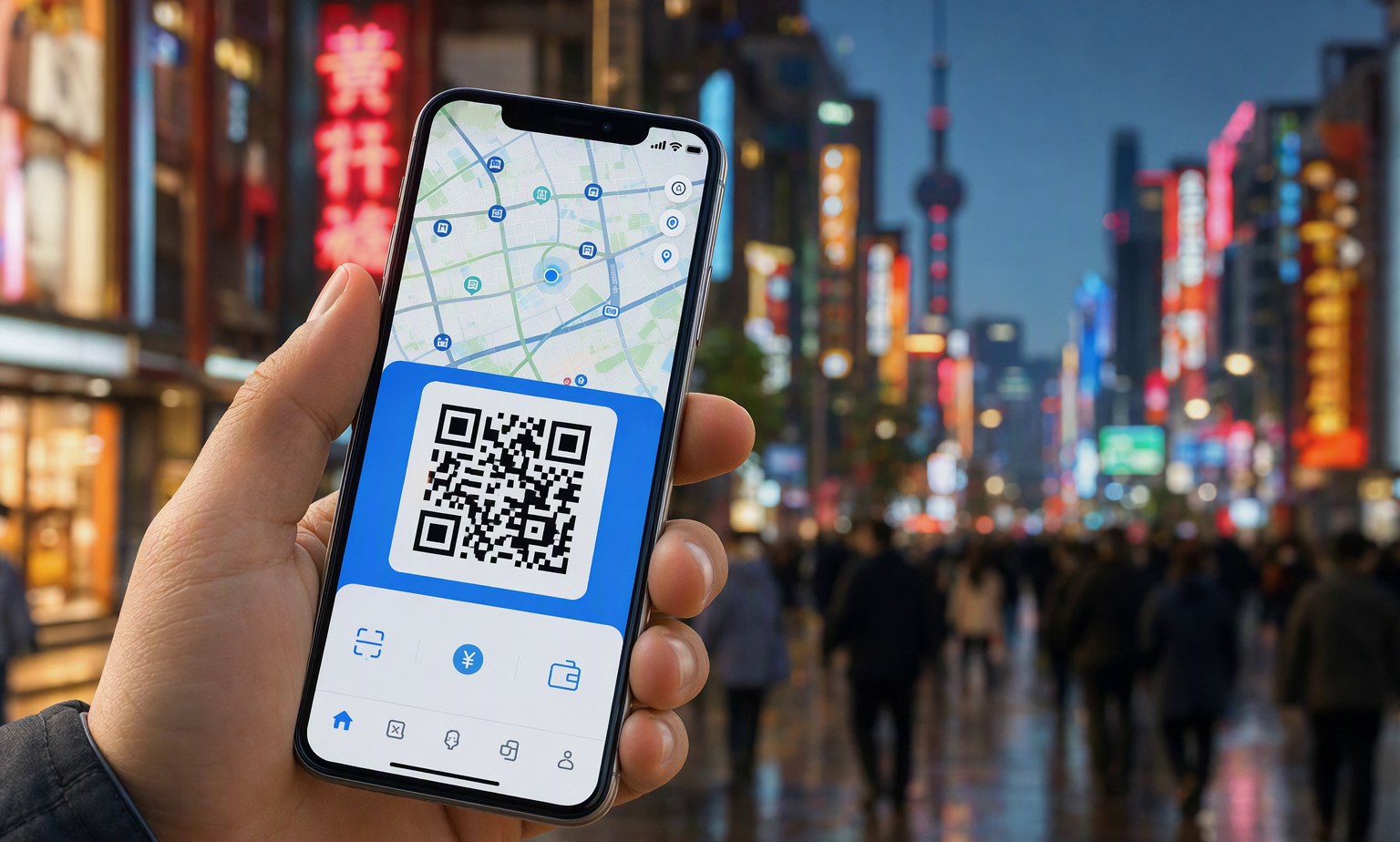
Step 2: Save the QR code email attachment to your device (not cloud storage—Apple Wallet may fail to read cloud-hosted images). For Android, open the file directly in Settings > Connections > SIM Card Manager > Add eSIM > Scan QR.
Step 3: In iOS: Settings > Cellular > Add Cellular Plan > Scan QR. Do not toggle “Turn On This Line” yet—wait until you land.
Step 4: Upon arrival at any of China’s 240h visa-free transit airports (Beijing Capital PEK, Shanghai Pudong PVG, Guangzhou CAN, Chengdu TFU, Xi’an XIY, Hangzhou HGH, etc.), enable the eSIM line. Most providers auto-detect location and trigger full activation within 90 seconds. If not, open the provider’s app and tap “Activate Now.”
Pro tip: Enable Airplane Mode + Wi-Fi on arrival, then turn on cellular data *only after* eSIM activation completes. This prevents your home carrier from hijacking the connection and triggering roaming charges.
eSIM Coverage Reality Check: Where It Works (and Where It Doesn’t)
China’s telecom infrastructure is advanced—but uneven. Here’s what you’ll actually experience in 2026:
| Location Type | Network Coverage (2026) | Typical Speed (Download) | Nota |
|---|---|---|---|
| Major Cities (Beijing, Shanghai, Guangzhou) | 99.4% (Unicom + Telecom) | 120–320 Mbps | 5G widely available; WeChat video calls stable. |
| Second-tier Cities (Chengdu, Xi’an, Hangzhou) | 96.1% (Unicom dominant) | 85–190 Mbps | Minor dead zones near old city walls or metro tunnels. |
| Rural/Hiking Areas (Zhangjiajie, Jiuzhaigou, Yunnan mountains) | 62–74% (mostly 4G, spotty 5G) | 12–45 Mbps | Bring offline maps; use WeChat’s offline translation mode. |
| High-Speed Trains (G-series) | 91% (Unicom onboard boosters) | 40–110 Mbps | Signal drops briefly in tunnels—buffer videos beforehand. |
Troubleshooting Common eSIM Issues in China
Even with perfect setup, hiccups happen. Here’s how to fix them fast:
“No Service” after activation? First, check if your device supports China’s LTE Band 41 (2500 MHz) and Band 28 (700 MHz)—required for Unicom/Telecom. iPhone 12+ and Pixel 6+ are confirmed compatible. Older models may need manual APN configuration: go to Settings > Cellular > Cellular Data Network > enter APN uninet (Unicom) or ctnet (Telecom).
WeChat or Alipay won’t load? This is almost always due to DNS blocking—not your eSIM. Install the official WingPhoenix Firewall Helper (lightweight Chrome extension for desktop or iOS Safari shortcut), which routes only app traffic through a secure proxy—no VPN required, no battery drain.
Data used up too fast? Background app refresh, iCloud Photo Library sync, and automatic WeChat video call updates consume bandwidth silently. Disable these before arrival: Settings > General > Background App Refresh > Off; Settings > Photos > iCloud Photos > Off.
Visa-free transit travelers: If you’re entering under the 240-hour policy, confirm your eSIM supports immediate activation without local ID. Airalo and Holafly do. WingPhoenix Connect eSIM integrates with your AI trip planner—if you upload your passport during planning, activation triggers automatically upon GPS confirmation of airport arrival.
Final Tip: Pair Your eSIM With Smart Travel Tools
Your eSIM is just the first layer. Combine it with WingPhoenix’s AI trip planning to auto-generate offline-friendly itineraries with cached transport times, QR-coded metro tickets, and WeChat Mini Program shortcuts for instant restaurant bookings or bike rentals. And remember: even with perfect connectivity, China rewards preparation—download offline Baidu Maps (for rural navigation), save key phrases in Pleco, and keep a physical backup power bank (Chinese outlets are Type A/C/I, and 20A sockets are common).
Ready to skip the SIM swap and start exploring? Build your AI-powered China itinerary now—with eSIM activation built right in.